Master Your Next Pitch with the Carofac - Google Slide Template
Creating a presentation that actually holds attention is a challenge many professionals face. You need something that looks polished, communicates your message clearly, and doesn't take weeks to build from scratch. That's where the Carofac - Google Slide Template steps in—a versatile, ready-to-use solution designed for anyone who needs to present ideas with clarity and style.
This isn't just another generic slide deck. Carofac is built with a clean, scalable, and colorful design philosophy that adapts to a wide range of needs. Whether you're putting together a business pitch, an e-commerce product showcase, or a creative portfolio, the template gives you a professional foundation without the headache of starting from zero.
Why Clean Design Matters for Business Presentations
Visual consistency plays a huge role in how your audience perceives your message. A cluttered or inconsistent slide deck can distract from your content, making it harder for people to focus on what you're actually saying. Carofac addresses this by offering a cohesive design system across all its slides, ensuring that every page feels intentional and connected.
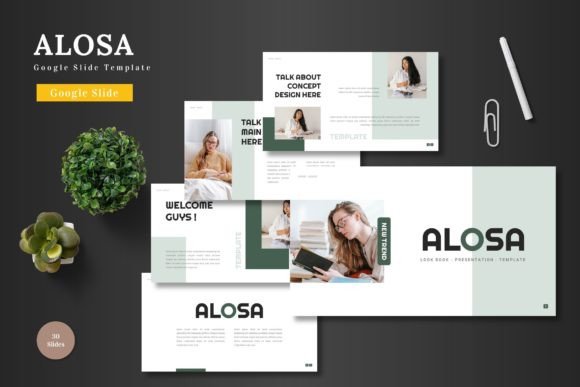
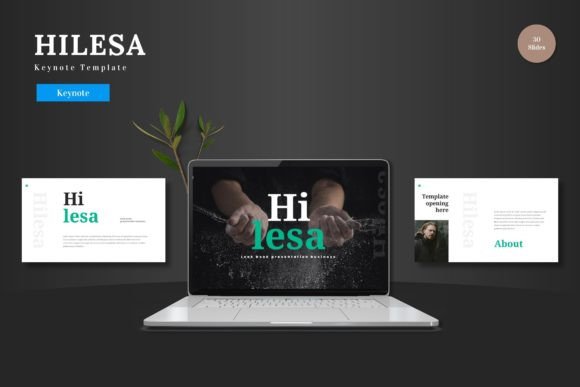
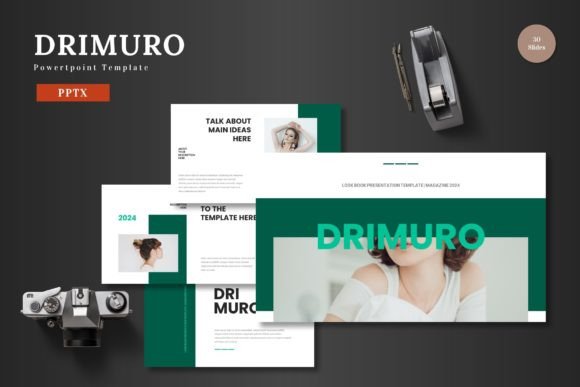
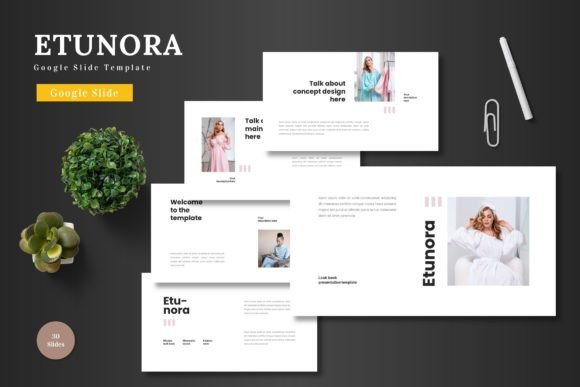
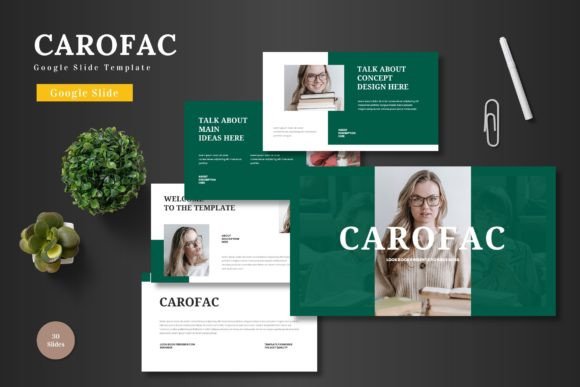
With over 150 total slides spread across five premade color schemes, you get serious variety without sacrificing cohesion. Each color variation includes 30 slides, giving you enough material to build out complex presentations while maintaining a unified visual identity. The handcrafted infographics and pixel-perfect illustrations add a layer of polish that makes your data and ideas stand out.
For small business owners and entrepreneurs, this kind of design consistency directly supports brand recognition. When your pitch deck, product launch, or investor presentation shares the same visual language, it reinforces who you are and what you stand for.
Practical Uses Beyond the Boardroom
While Carofac shines in business settings, its applications extend far beyond corporate meetings. Content creators and marketers can use the template to build social media content calendars, campaign briefs, or influencer partnership decks. The gallery and portfolio slides are particularly useful for photographers, designers, and artists who want to showcase their work in a structured, visually appealing format.
E-commerce businesses will find the product promotion slides especially valuable. Instead of sending plain product sheets, you can present your offerings with styled layouts that highlight features, pricing, and customer benefits. The drag-and-drop picture placeholders make it easy to swap in your own product images without wrestling with alignment or formatting issues.
Educators, bloggers, and hobbyists can also benefit. Whether you're creating a workshop outline, a visual guide for a DIY project, or a community presentation, the template's clean structure keeps your content organized and easy to follow.
Editing Without the Learning Curve
One of the biggest advantages of Carofac is that everything happens inside Google Slides. There's no need to install additional software, learn a new design tool, or export files between platforms. Every element—text, images, colors, shapes—is fully editable directly in Google Slides.
This accessibility is a game-changer for people who aren't professional designers but still need polished results. You can input your content, swap placeholder images with your own photos, adjust colors to match your brand palette, and rearrange sections to fit your narrative. The template is built on master slides, which means changes you make to the master automatically cascade throughout the deck, saving you time and reducing errors.
The animated slides add a subtle layer of engagement without being distracting. Transitions and motion effects are already built in, so you don't have to spend time figuring out how to make your presentation feel dynamic.
Building a Stronger Brand Identity
Consistent visual communication is one of the most effective ways to build brand identity. When your presentations, pitch decks, and marketing materials share a common design language, your audience starts to associate that look and feel with your business. Carofac makes this achievable even for teams without dedicated design resources.
The five color variations give you flexibility to match different campaigns, audiences, or moods while staying within a cohesive framework. You might use one color scheme for investor presentations and another for customer-facing product demos. This kind of thoughtful variation keeps your materials fresh without diluting your brand.
For freelancers and agencies, having a reliable template like this in your toolkit means you can deliver professional results faster. Instead of building every presentation from scratch, you start with a solid foundation and customize it to each client's needs.
Making the Most of What's Included
The main file includes five PPTX items from Google Slides, 30 slides per template, and five color schemes. A readme file provides font and photo information, which is helpful for maintaining consistency if you're working with a team or handing off files to a client.
The section break slides are a smart addition that many templates overlook. They give your audience a visual pause between topics, making it easier to follow your narrative. The infographics are handcrafted rather than auto-generated, which means they look intentional and professional rather than generic.
All graphics are resizable and editable, so you're never locked into a specific layout. If a particular slide doesn't fit your needs, you can adjust the elements, remove sections, or combine components from different slides to create something custom.
Final Thoughts on Streamlining Your Workflow
Time is a limited resource, especially for entrepreneurs and small teams juggling multiple responsibilities. A well-structured template like Carofac doesn't just make your presentations look better—it makes your entire workflow more efficient. Instead of spending hours on design decisions, you can focus on refining your message and preparing for your actual presentation.
The fact that everything lives in Google Slides also means easy collaboration. Share the file with your team, collect feedback in real time, and make updates without version control headaches. For remote teams and distributed workflows, this kind of seamless collaboration is invaluable.
Whether you're pitching to investors, onboarding new clients, launching a product, or teaching a workshop, having a reliable, professional template at your fingertips changes how you approach presentations. Carofac gives you the tools to communicate with confidence and clarity, every single time.