Nobera: A Google Slide Template for Consistent Branding
You’ve been there. It’s 10 PM, the pitch deck is due tomorrow morning, and you’re staring at a blank slide, wrestling with alignment tools and color pickers. The presentation needs to look professional, on-brand, and visually engaging, but you’re not a full-time designer. This is the exact scenario where the right tool doesn’t just save time—it saves your sanity. Enter Nobera, a Google Slide template designed to bridge the gap between professional design and practical usability for the modern entrepreneur or creator.
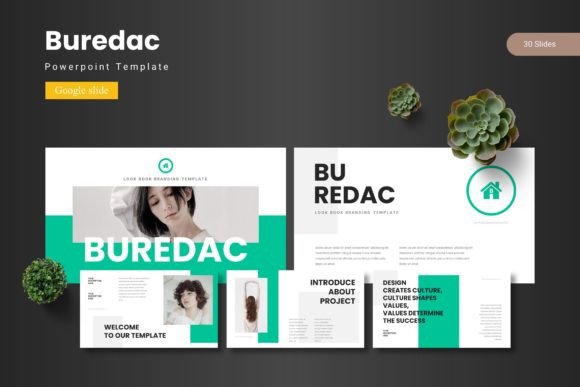
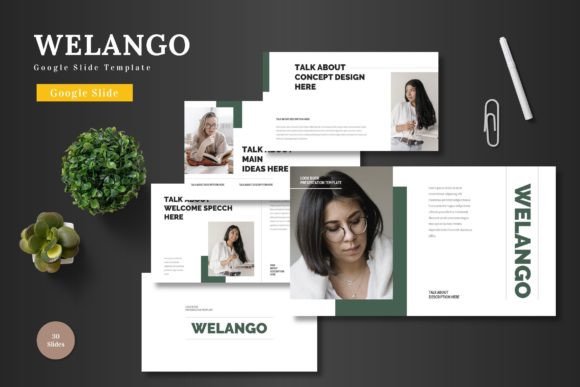
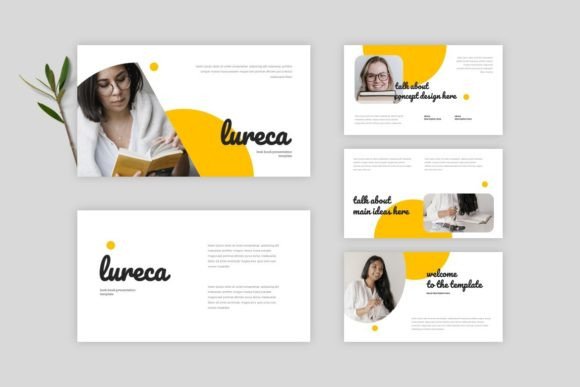
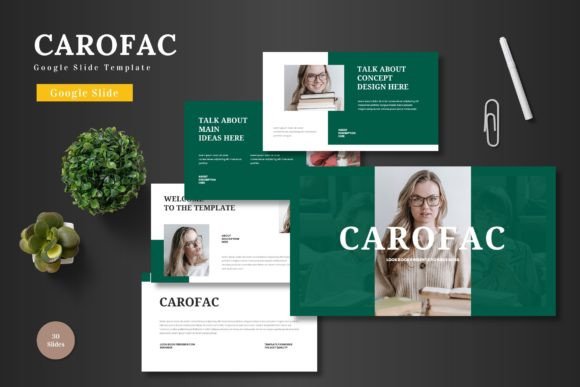
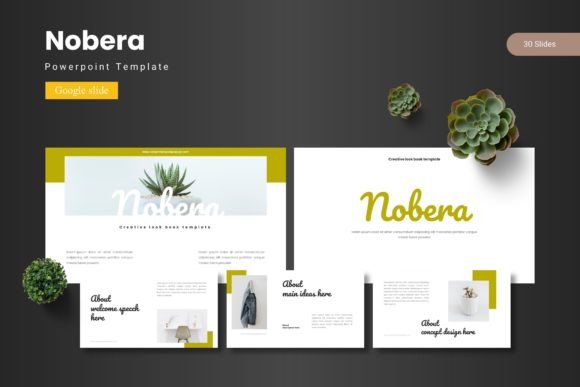
At its core, Nobera is a comprehensive system of over 150 slides, organized into five distinct color schemes. Each of the five templates contains 30 meticulously crafted slides. This isn’t just a collection of pretty layouts; it’s a framework for building presentations with purpose. The structure includes dedicated section breaks, allowing you to segment your narrative logically—moving from a compelling introduction to data-driven points, team introductions, and a powerful call to action without visual clutter or confusion.
Beyond the Slideshow: A Visual Identity Toolkit
While its primary function is for presentations, thinking of Nobera as merely a "slide deck" limits its potential. For a small business owner or a content creator, this template pack functions as a foundational design asset. The consistent use of its handcrafted infographics, pixel-perfect illustrations, and master slide-based structure ensures that every visual you produce carries the same professional fingerprint. This is the bedrock of effective brand recognition.
Consider the practical applications. A freelancer can use the gallery and portfolio slides to showcase client work in a cohesive, impressive manner during a discovery call. A marketing professional can rapidly prototype social media campaign decks, using the drag-and-drop picture placeholders to visualize ad creatives and copy within a real layout context. The editable, resizable graphics mean you’re not stuck with generic icons; you can adapt them to fit your brand’s unique visual language, whether it’s minimalist, bold, or playful.
The true value lies in its adaptability. Need to create a proposal? Use the structured slides to outline your process and pricing. Planning a product launch? The data visualization slides can help you present market research and projected timelines with clarity. The template’s design philosophy understands that modern work is multifaceted. You’re not just presenting ideas; you’re communicating strategy, building trust, and selling a vision.
Practical Design for Real-World Communication
Effective visual communication hinges on clarity and consistency, two things often sacrificed when working under tight deadlines. Nobera addresses this by embedding design best practices into its architecture. The pre-defined color schemes eliminate the guesswork of pairing hues, ensuring your presentation looks polished rather than pieced together. The typography, while customizable, is set within a system that prioritizes readability, which is crucial when your audience might be viewing on a projector in a bright room or on a phone screen.
For those involved in packaging design or creating marketing assets, the principles used in Nobera—balanced composition, strategic use of white space, and harmonious color—are directly transferable. The way information is hierarchically laid out on a slide is the same way it should be laid out on a website homepage or a product label. Using a tool like this can train your eye to see design not as decoration, but as a structured method of guiding a viewer’s attention and understanding.
Furthermore, the inclusion of a comprehensive readme file for font and photo information is a thoughtful touch. It speaks to a professional workflow, ensuring that you can maintain visual integrity across all platforms by using the correct typefaces and sourcing appropriate imagery. This attention to detail is what separates a temporary fix from a sustainable design system for your brand.
Integrating Nobera into Your Creative Workflow
Adopting a new tool is only valuable if it integrates smoothly into your existing process. The fact that Nobera is built for Google Slides is a significant advantage for collaborative teams and individuals who live in the cloud. There’s no need for expensive, standalone software. You can access and edit your presentations from any device, share them instantly with team members or clients for feedback, and present directly from the browser. This accessibility is a game-changer for agile businesses and remote creators.
Think about the efficiency gains. Instead of building each slide from scratch, you’re curating from a library of professionally designed components. Need a team slide? You have three or four variations to choose from. Need to display a timeline? The infographic slides provide clear, visual options. This modular approach allows for rapid assembly while maintaining a high design standard, freeing up your mental energy to focus on the content and strategy of your message rather than the pixel-perfect alignment of every text box.
It’s also a powerful tool for education and internal communication. A teacher could use the engaging layouts to present complex information to students. A manager could use the structured sections to outline quarterly goals and departmental updates in a way that is both informative and visually stimulating, increasing engagement and retention. The template becomes a vehicle for clearer thinking and more persuasive communication.
Making the Template Your Own
The final, and most important, step is customization. A template is a starting point, not a finished product. The power of Nobera is unleashed when you infuse it with your own brand’s personality. Swap out the placeholder images with high-quality photos of your team, your products, or your workspace. Adjust the color schemes to match your established brand palette. Choose font pairings that reflect your voice—perhaps a clean sans-serif for body text with a distinctive display font for headings.
This process of adaptation is where you move from using a tool to truly owning your visual identity. As you work with the slides, you’ll develop an intuitive sense for what works: which layouts best showcase your work, which color combinations feel most authentic to your brand, and how to balance text and imagery for maximum impact. The template provides the professional scaffold; you provide the unique story. In doing so, you transform a collection of slides into a dynamic, versatile asset that works tirelessly for your brand, project after project.