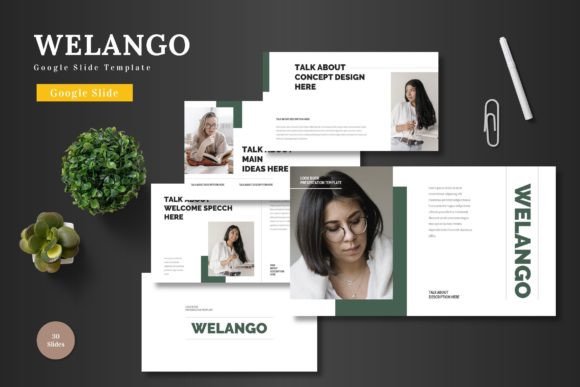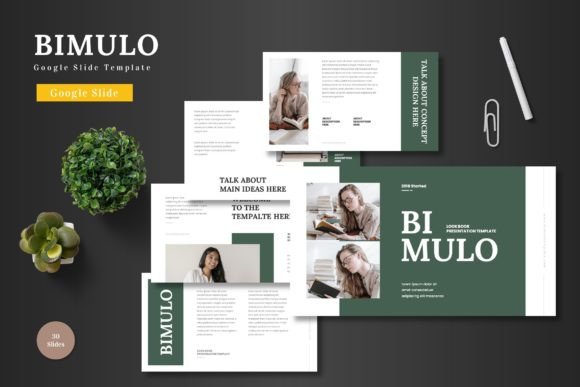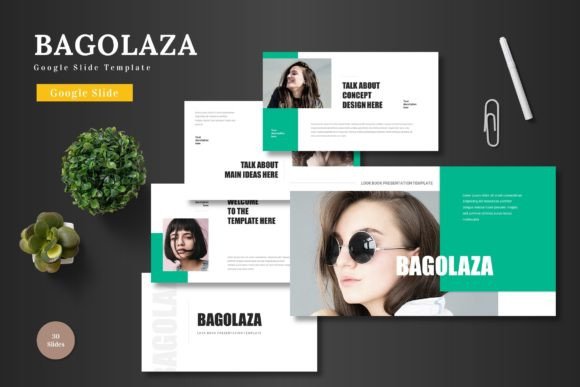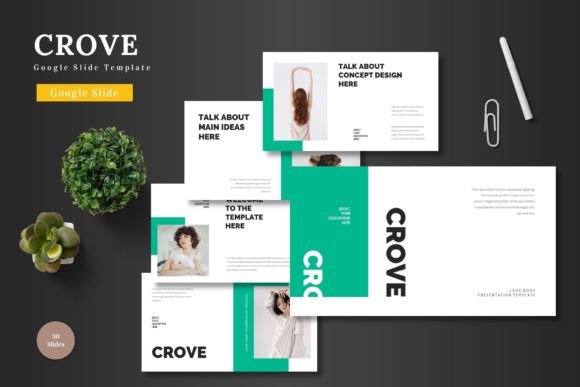
Pumeda: The All-in-One Google Slides Template for Modern Brands
Every entrepreneur, marketer, or creative professional knows the feeling: you have a brilliant idea, a product launch, or a crucial pitch, but the thought of building a presentation from scratch is paralyzing. You open a blank slide deck, stare at the blinking cursor, and realize hours will be lost just trying to make it look professional. This is where a thoughtfully designed template doesn't just save time—it becomes a strategic asset. Pumeda is a Google Slide Template built for exactly this moment, offering a clean, scalable, and colorful foundation that transforms the daunting task of presentation design into a seamless, creative process.
More Than Slides: A Visual Identity Toolkit
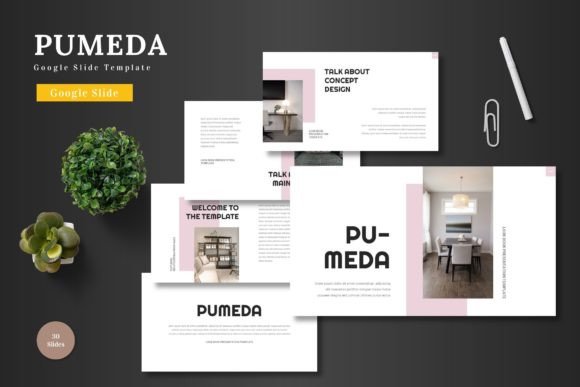
What sets Pumeda apart is its understanding that a presentation is rarely just a series of slides. It's a direct reflection of your brand's personality and professionalism. This template isn't a collection of random layouts; it's a cohesive design system. With over 150 total slides across five premade color schemes, it provides the visual consistency that is so critical for brand recognition. Whether you're a small business owner aligning your internal team meeting with your external marketing materials, or a designer building a cohesive pitch deck for a client, having a unified color palette and design language across 30 slides per section creates an immediate impression of polish and intentionality.
The true power lies in its multipurpose nature. The same clean, modern aesthetic that works for a corporate business presentation can be adapted for a vibrant e-commerce product promotion, a sleek startup pitch deck, or a visually engaging portfolio. The handcrafted infographics and pixel-perfect illustrations are not just decorative; they are tools for storytelling. A well-designed chart can clarify complex data, while a custom illustration can explain a unique service offering more effectively than a paragraph of text. This versatility makes Pumeda a valuable design asset for a wide range of projects, from internal reports to client-facing proposals.
Practical Design for Real-World Workflows
A beautiful template is useless if it's difficult to edit. Pumeda is built on Google Slides' Master Slides, which means every element—from color blocks to text boxes to the included graphics—is fully editable directly within the platform you already use. There's no need for expensive, complex software like Adobe Illustrator or Photoshop. This accessibility is a game-changer for busy professionals. You can input your content, drag and drop your own images into the placeholders, adjust colors to match your brand guidelines, and even animate slides, all without leaving your browser. This streamlined workflow respects your time and lowers the barrier to producing high-quality visual content.
For those working on broader brand identity projects, the included features are particularly useful. The picture placeholders make it simple to maintain a consistent look when swapping in team photos or product images. The gallery and portfolio slides are ready-made solutions for creative agencies, photographers, or artists needing to showcase work in a compelling, organized way. Furthermore, the fact that all graphics are resizable and editable vector shapes means you can scale them without losing quality, ensuring your presentation looks sharp on any screen, from a laptop to a large conference room display. This attention to technical detail supports the kind of professional presentation that builds credibility.
Integrating Pumeda into Your Creative Process
Thinking beyond the slide deck opens up even more possibilities for this template. The design elements within Pumeda—its clean typography, balanced layouts, and structured infographic styles—can serve as inspiration for other marketing assets. A designer might extract the color palette and visual style to inform social media graphics, ensuring your Instagram stories and LinkedIn carousels feel connected to your pitch deck. The structured slide layouts can even guide the wireframing of a website landing page or the layout of a digital brochure. In this way, the template acts as a foundational style guide, helping to maintain visual consistency across all your touchpoints.
When adopting any new design asset, practical considerations are key. Always take a moment to review the included readme file for font and photo information. Understanding the typography used allows you to maintain consistency if you need to create complementary materials outside of Slides. While the template provides a complete package, experimenting with font pairings can further customize your brand's voice. Pairing the primary display font with a simple, clean sans-serif for body text can enhance readability, especially for longer documents or detailed infographics. Finally, for any commercial project, it's always prudent to verify the licensing terms of included assets like fonts and stock photos to ensure compliance for your specific use case.
Pumeda offers a practical, high-quality solution for anyone who needs to communicate ideas visually with professionalism and flair. It bridges the gap between a blank canvas and a finished, brand-aligned presentation, empowering you to focus on your message rather than the mechanics of design. By providing a scalable, editable, and aesthetically coherent toolkit, it supports not just a single presentation, but the ongoing visual narrative of your brand or project.