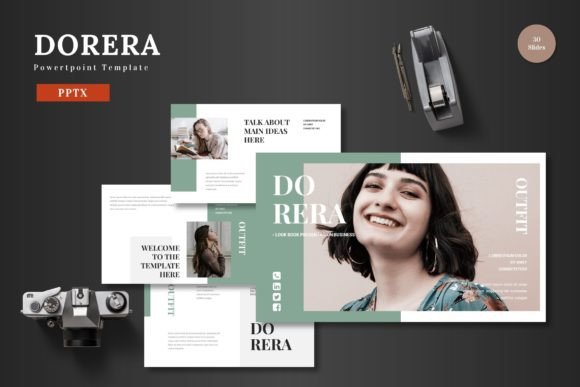
Dorera - Powerpoint Template: A Visual Toolkit for Modern Presentations
Let's be honest. We've all sat through presentations that were, to put it mildly, a chore. Cluttered slides, inconsistent fonts, and visuals that felt like an afterthought can instantly kill an audience's interest. The challenge isn't just having information to share; it's presenting it in a way that's clear, professional, and engaging. This is where a thoughtfully designed asset like the Dorera - Powerpoint Template steps in, offering more than just pretty slides—it provides a structured system for effective visual communication.
Beyond the Basic Slide Deck
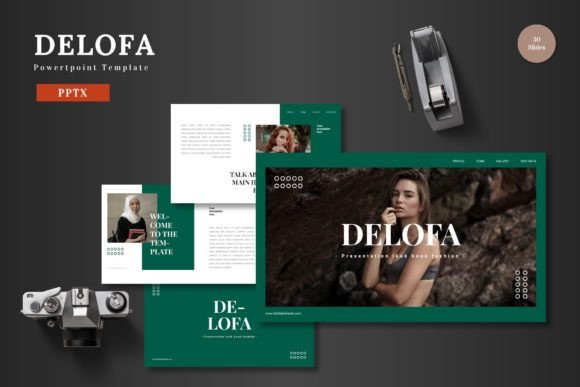
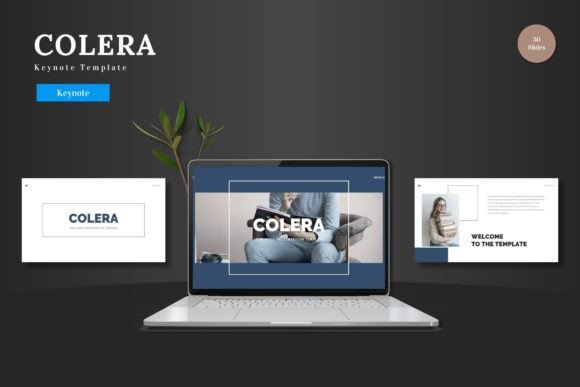
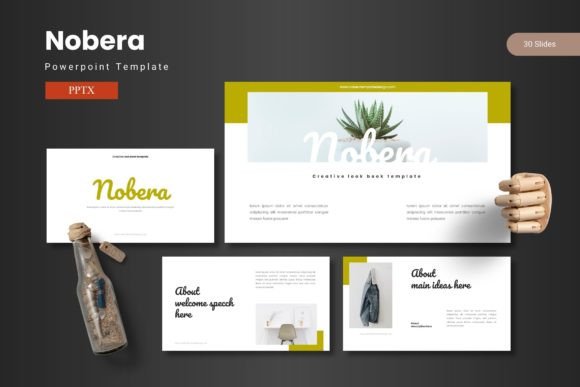
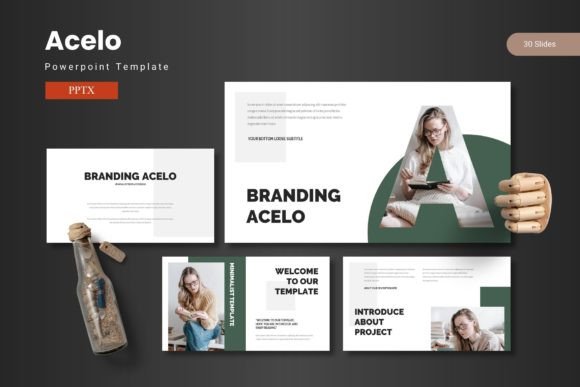
At its core, Dorera is a collection of over 150 slides built on a foundation of clean, scalable graphics. The "5 Premade colors" and "30 Slides for each Template" aren't just numbers; they represent a commitment to visual consistency. Imagine pitching a new product line to investors. Using one color scheme from Dorera ensures your market analysis slide, your financial projections, and your team introduction all share the same professional visual language. This eliminates the jarring effect of mixing styles and helps your audience focus on your message, not on deciphering your design choices.
The real value for a busy entrepreneur or marketer lies in the practicality. All elements are editable directly within PowerPoint. There's no need to wrestle with complex design software or hire a specialist for every minor tweak. Need to change the color palette to match a last-minute brand guideline? It's a few clicks. Want to drag and drop your product images into the pre-built placeholders? Done. This ease of use is crucial when you're iterating on a pitch deck the night before a meeting or quickly assembling a social media campaign summary for a client.
A Multifaceted Design Asset for Your Brand
While labeled as a PowerPoint template, Dorera's utility extends far beyond the conference room. Think of its components as modular design assets. The "Handcrafted Infographic" and "Pixel-perfect illustrations" can be exported and repurposed. A well-designed process diagram from a business presentation can be adapted into a step-by-step graphic for a blog post or an instructional post on Instagram. The "Gallery and Portfolio slide" offers a ready-made layout to showcase work, making it instantly useful for designers, photographers, or crafters looking to create a digital lookbook.
This adaptability makes it a powerful tool for maintaining brand identity across multiple platforms. The same visual style used in your investor deck can inform the look of your website's "About Us" page, your company brochure, or even the signage at a trade show booth. By using Dorera as a starting point, you ensure that the modern typography and balanced layouts become a recognizable part of your brand's visual signature, enhancing brand recognition and projecting a cohesive, professional image.
Practical Applications for Creators and Businesses
The template's structure is inherently designed for storytelling. The "Section Break Slides" provide natural pauses in a narrative, allowing presenters to segment complex information into digestible parts. For a small business owner, this could mean clearly separating the problem, solution, market opportunity, and business model in a funding pitch. For a marketer, it could help structure a quarterly review into performance highlights, challenges, and future strategy.
Here’s how different professionals might leverage it:
- Entrepreneurs: Build compelling pitch decks that look polished and investor-ready, boosting credibility.
- Content Creators & Bloggers: Create visually engaging webinar slides, online course materials, or media kits that stand out.
- Marketing Teams: Develop consistent internal training materials, client reports, and campaign wrap-up presentations that reinforce brand standards.
- Product Managers: Design clear product roadmap visuals and feature breakdowns that align cross-functional teams.
- E-commerce Businesses: Craft persuasive sales decks for wholesale partners or visually rich product launch presentations.
The emphasis on "All Graphics are Resizable and Editable" is particularly important. It means the design assets aren't rigid. You can scale an icon to fit a small social media graphic or expand a chart to fill a full slide without losing quality, giving you creative control without compromising on sharpness.
Making It Work for Your Project
Getting the most out of a template like Dorera requires a bit of strategic thinking. Don't just fill in the blanks. First, define your core message and audience. Are you presenting to technical experts who need detailed data visualizations, or to a creative community that responds more to imagery and mood? Use the 30-slide structure as a skeleton, but be ruthless about cutting slides that don't serve your specific goal. The best presentations are focused, not exhaustive.
Pay close attention to the font pairing suggested in the "Readme First" file. The choice of premium font or creative font included sets the tone. A sleek sans serif font conveys modernity and clarity, while a subtle serif font might add a touch of tradition and authority. Test how these typefaces look on your chosen color scheme—readability is paramount, especially for data-heavy slides or when presenting in large rooms.
Finally, remember that a template is a tool, not a magic wand. Your content, your delivery, and your understanding of your audience are what ultimately make a presentation successful. The Dorera - Powerpoint Template provides the polished, professional canvas. Your expertise and insights provide the paint. By combining the two, you can transform a standard slide deck into a compelling visual story that informs, persuades, and resonates long after the final slide is shown.